Concrete CMS Add-on: Japan Map LinkConcrete CMS Add-on PDF Viewer
Concrete CMS Add-on: Japan Map LinkConcrete CMS Add-on PDF Viewer
Concrete CMS Add-ons Development, Implementation, Sales, and Support - Concrete CMS Add-ons Japan Map Link
Concrete CMS Add-ons Development, Implementation, Sales, and Support - Concrete CMS Add-ons Japan Map Link

The map link and location guidance system is a Concrete CMS block that allows real estate companies to easily guide customers to property service areas, store locations, land for sale, and regional property pages on their websites.
By placing regional buttons on the map, clicking them will take you to property listings or detail pages for each area.
It can be used to provide real estate information based on a specific area, including properties for sale, rental properties, land, residential developments, information by school district, and information around train stations.
By using OpenStreetMap, you can display maps without using a Google Maps API key, and you can also adjust button colors, text colors, and transparency for each region.
This block allows you to easily configure a navigation function that combines a map, regional buttons, and internal page links —features that are difficult to create with the standard Concrete CMS—from the administration screen.
Ideal for providing information about service areas, introducing locations, and displaying service regions.
The Map Link and Location Guide System is a map display block that allows you to display OpenStreetMap within a Concrete CMS page and configure regional buttons and links.
The service area, service region, branch/office locations, and venue information are clearly displayed, allowing for smooth navigation to regional and detailed pages.
For website construction, development, and migration using Concrete CMS 9.5 (formerly concrete5), please contact Business Logic Japan Co., Ltd.
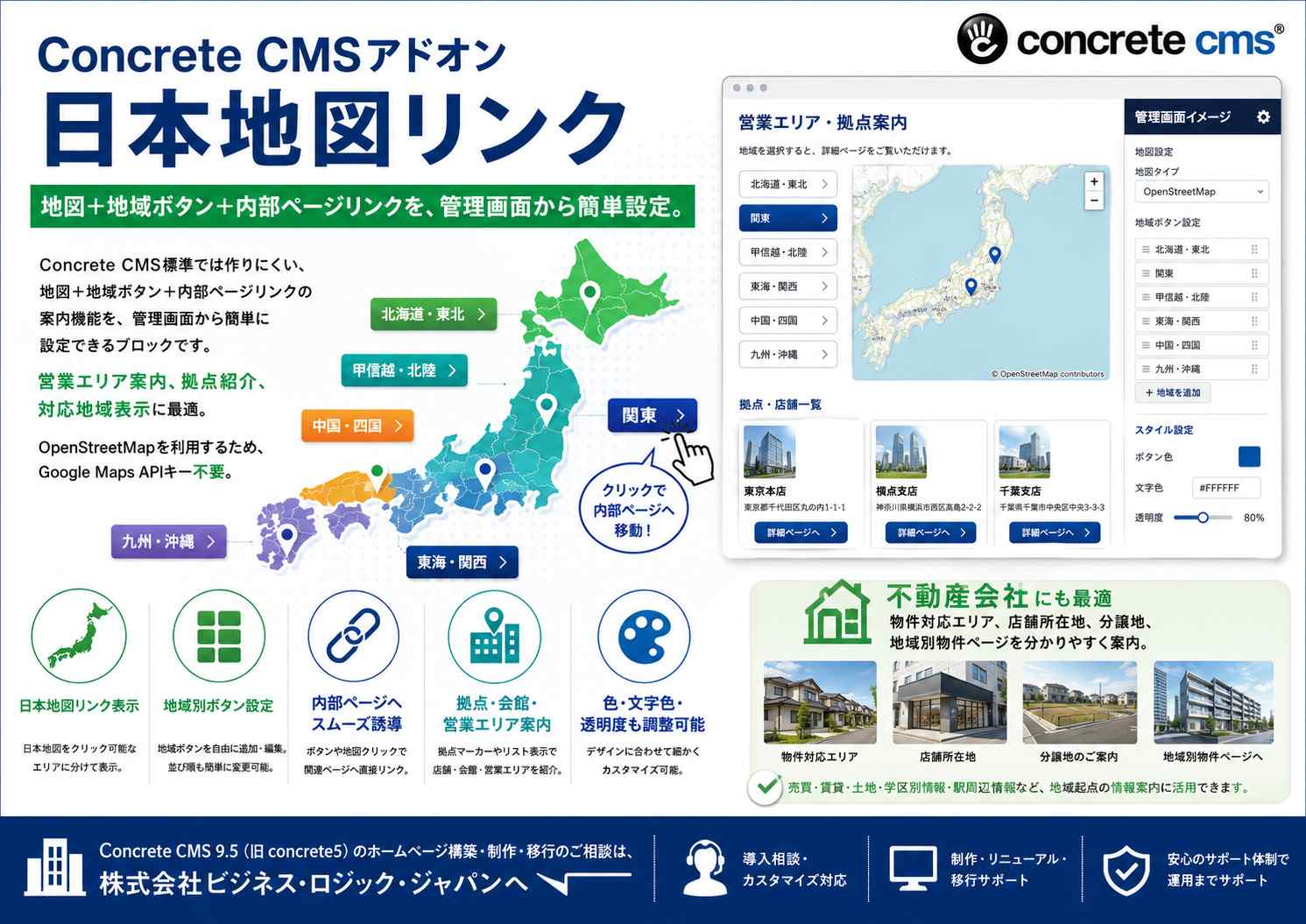

This is a Concrete CMS block that combines a map and regional buttons to clearly display sales areas, locations, and service regions.
The company's sales area, service area, branches/offices, and service areas can be displayed visually and clearly on a map.
You can place buttons for each region, and clicking them will take you to a specified location or guide you to internal pages, external links, or anchor links.
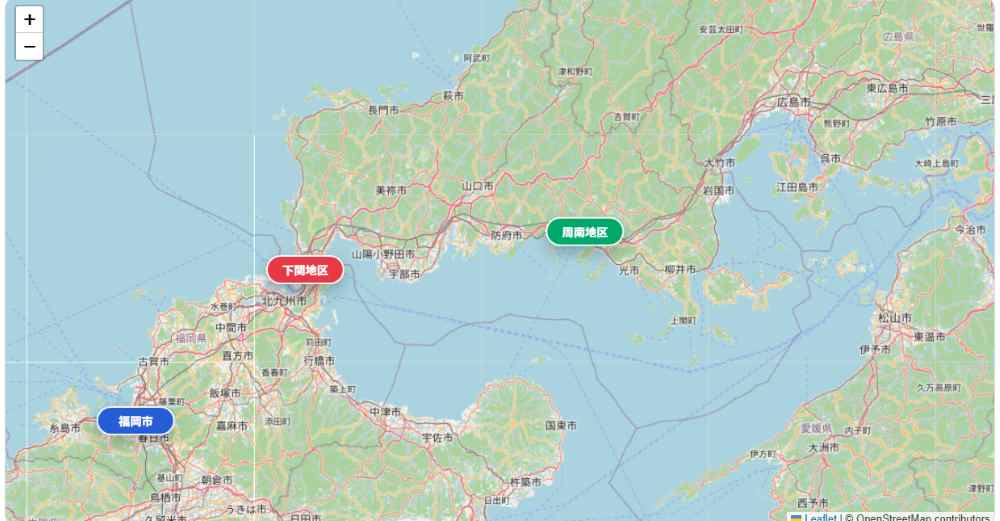
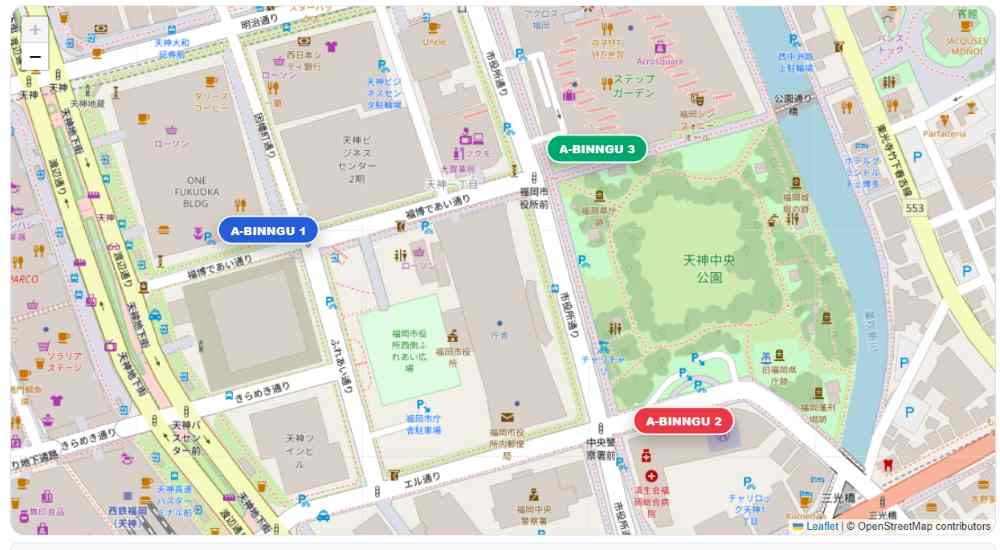
You can place multiple regional buttons on the map and set descriptions and links for each.
for example,
You can create region-specific buttons like this, and when a user clicks on them, they will be directed to the respective region's page or service information.
Since the map uses OpenStreetMap, you can display the map without using a Google Maps API key or anything like that.
You can display a map on your website using OpenStreetMap.
You can visually display your company's location, service area, sales area, stores, buildings, and other locations.
You can display buttons for specific regions on or around the map.
You can individually set the button name, description, link destination, and latitude/longitude.
You can select internal pages from the sitemap of Concrete CMS.
This allows for smooth navigation to regional pages, service pages, location introduction pages, and more.
You can also set anchor links like #yamaguchi .
It can also be used to redirect users to the regional description area within the same page.
You can set the button color, text color, and transparency for each region button.
You can color-code areas by region or highlight important areas.
You can choose whether or not to create a sample button when creating a new item.
The default setting is OFF, so unnecessary samples will not be created automatically.
You can create samples only when necessary and use them as configuration examples.
You can view the areas where we can provide service using a map and buttons.
Clicking on a region name will take you to detailed service information for that region.
You can find multiple branches, sales offices, stores, and meeting halls on a map.
You can find links to detailed pages for each location.
This can be used on funeral service websites and funeral home websites to provide information about the location of funeral halls and service areas.
By linking it with pages for each region and pages introducing the community centers, you can create a user-friendly navigation system.
You can guide people to tourist attractions, restaurants, facilities, event venues, and more using maps and buttons.
Maps allow you to intuitively convey information that is difficult to communicate through text-only local guides.
Because you can link to internal pages from the region buttons, it becomes easier to guide users to regional service pages and detailed information.
Button color, text color, transparency, and description can all be configured from the administration screen, allowing for display that matches your site design.
By using OpenStreetMap, you can display maps without using a Google Maps API key.
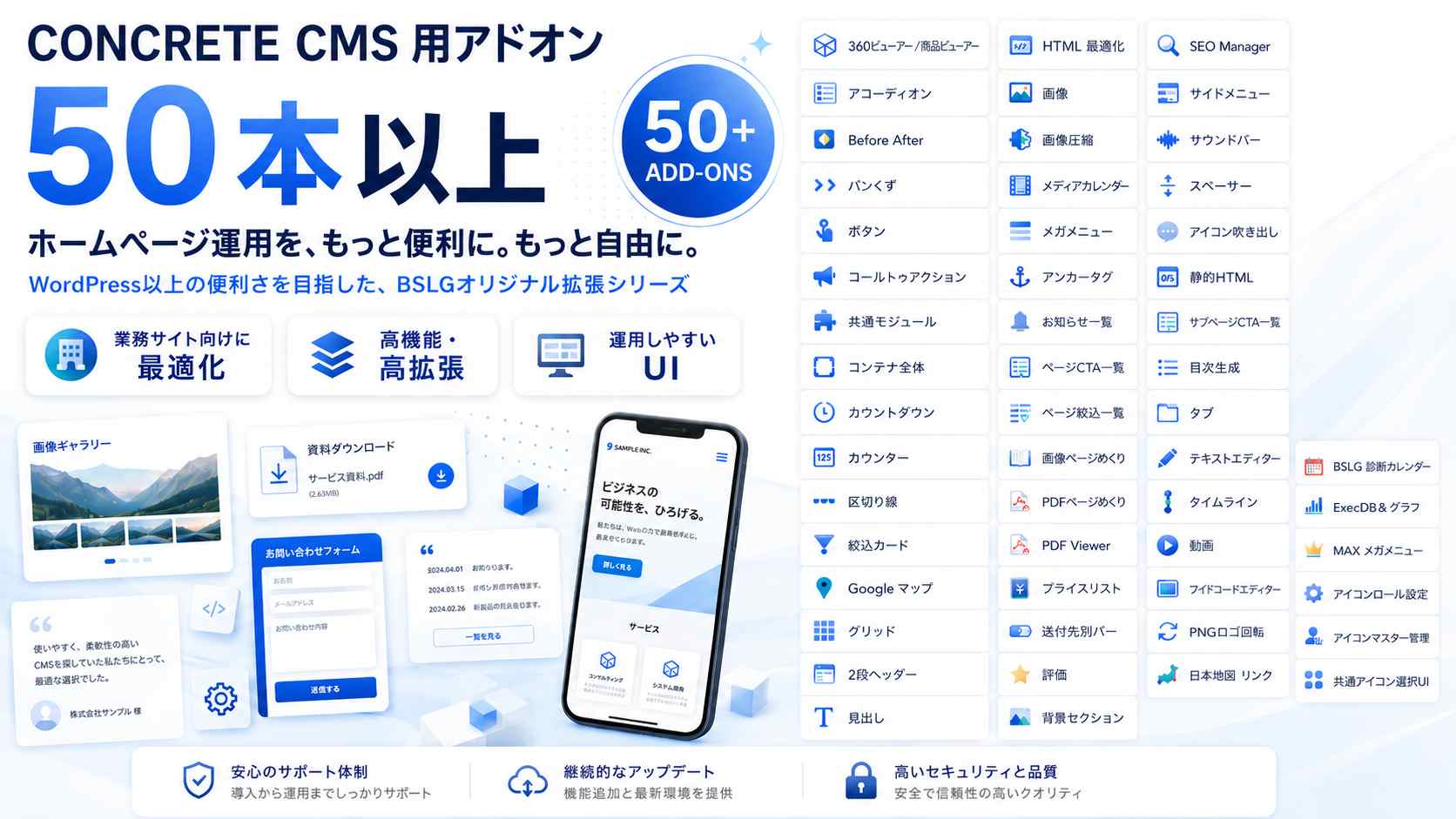
Concrete CMSアドオン一覧です、これらのアドオンは株式会社ビジネス・ロジック・ジャパン オリジナルのアドオンになります。
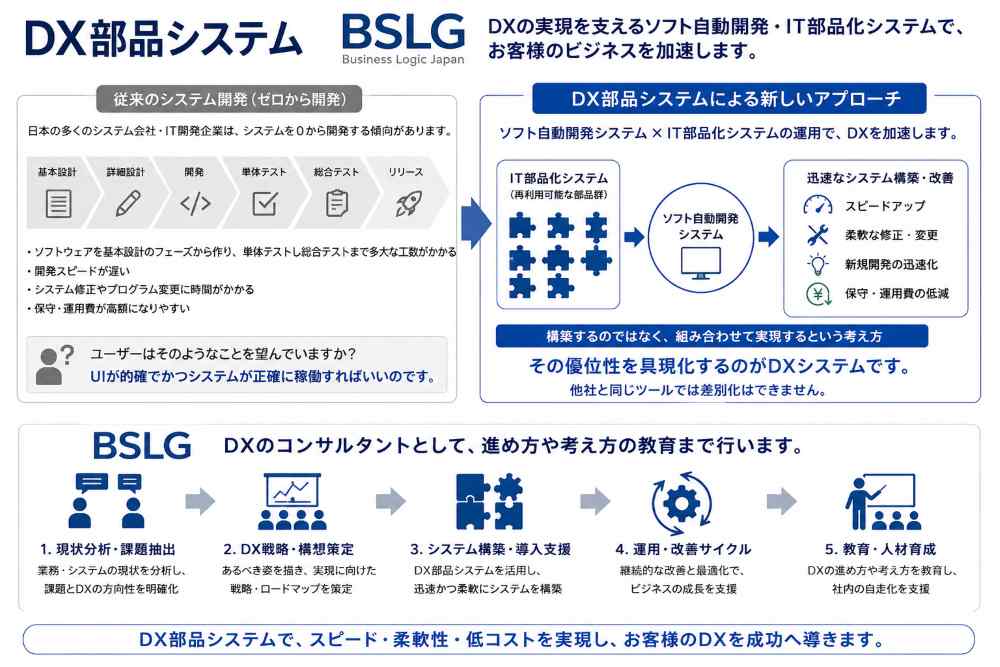
DXシステムのBSLGの自社構築ツールの紹介です、各モジュールは世界最先端のモジュール・高機能システムです。