Concrete CMS Add-on: PDF Page Turning
Concrete CMS Add-on: PDF Page Turning
Concrete CMS Add-on Development, Implementation, Sales, and Support (PDF page turning)
Concrete CMS Add-on Development, Implementation, Sales, and Support (PDF page turning)

Display the PDF catalog on the website as an e-book.
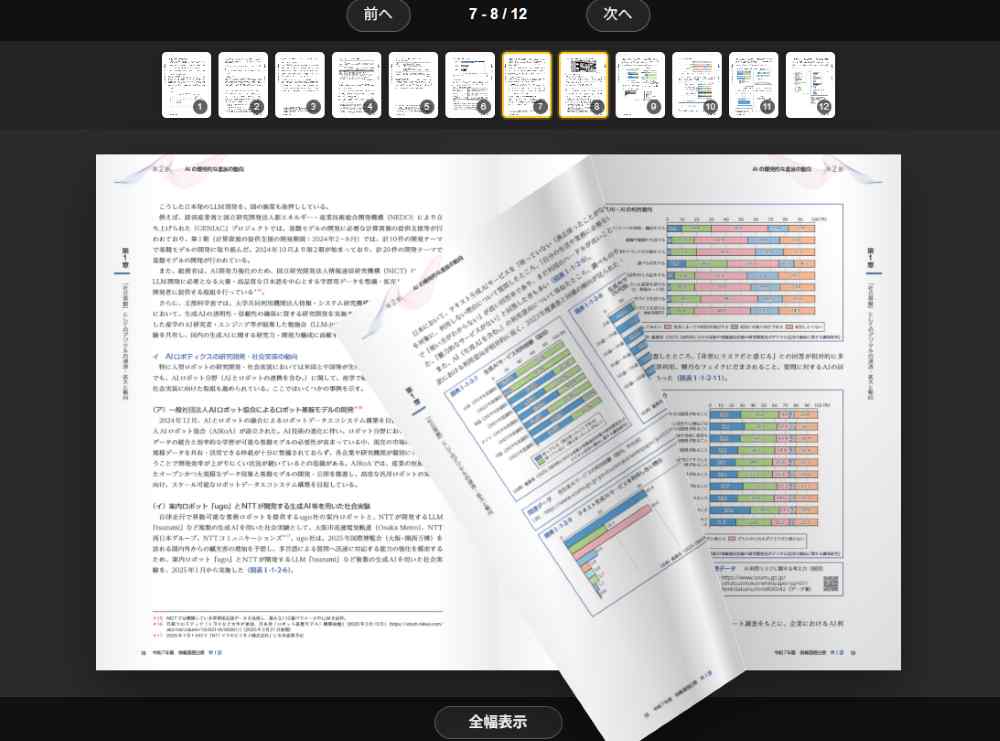
The PDF page-turning block is a Concrete CMS block that allows you to display PDF documents on your website in an e-book style.
With features such as page-turning animation , thumbnail display , previous/next navigation, and drag-and-drop functionality, you can create visually appealing and memorable catalogs and brochures that mimic the act of turning pages.
PDF documents transform from simple links into "visual content"—visual content.
We will display the PDF catalog on your website like an e-book . This transforms the website from content to be viewed into content to be actively shared, piquing visitors' interest.
Company profiles, product catalogs, and brochures can be easily and clearly displayed in a page-turning format .
Before allowing users to download the PDF, we will ask them to review it first.
For website construction, development, and migration using Concrete CMS 9.5 (formerly concrete5), please contact Business Logic Japan Co., Ltd.
This is a block for Concrete CMS that allows you to display PDF documents on your website like ebooks.
You can publish PDFs of company profiles, product catalogs, price lists, brochures, sales materials, and more in an easy-to-view format that simulates turning pages, rather than just providing download links.
Viewers can intuitively navigate pages using the previous/next buttons, drag gestures, and thumbnail clicks.
Even when clicking a thumbnail, the page doesn't switch abruptly; instead, a page-turning animation is included, providing a natural reading experience similar to that of an e-book.
This is ideal for corporate websites that want to display PDFs on their homepage, product introduction pages, information pages before requesting materials, event announcements, funeral plan materials, catalog pages, and more.
Simply register your PDF file, and it will be displayed on your website in a page-turning format.
This method makes it easier for viewers to see the content than simply posting a PDF link.
When you move between pages, you can display an animation that simulates actually turning the pages of a book.
This allows you to present documents and catalogs in a more impressive way.
You can quickly navigate to the page you want to see by clicking on the thumbnail images at the bottom.
The thumbnail click action will also simulate the feeling of turning pages.
You can display "Previous Page" and "Next Page" buttons to help viewers navigate without confusion.
It's easy to use on smartphones and tablets as well.
You can operate it by turning pages using a mouse or touch controls.
It supports viewing not only on PCs, but also on smartphones and tablets.
The display width can be selected from options such as fixed width, area width, and screen width.
We can accommodate requests to fit the image within the page or to display it large enough to fill the entire screen.
You can set the background color and transparency of the PDF display area.
You can adjust the display to suit your website design for easier viewing.
You can adjust the display height, top margin, bottom margin, etc., from the administration screen.
It's possible to display content with minimal unnecessary white space, in line with the overall page design.
Company profiles, product catalogs, service introduction materials, price lists, event flyers, sales brochures, funeral plan materials, newsletters, public relations magazines, case studies, proposal materials, and more can be published on your website in an e-book format.
Showing the content on the spot before having viewers download the PDF makes it easier to convey the material's content to them.
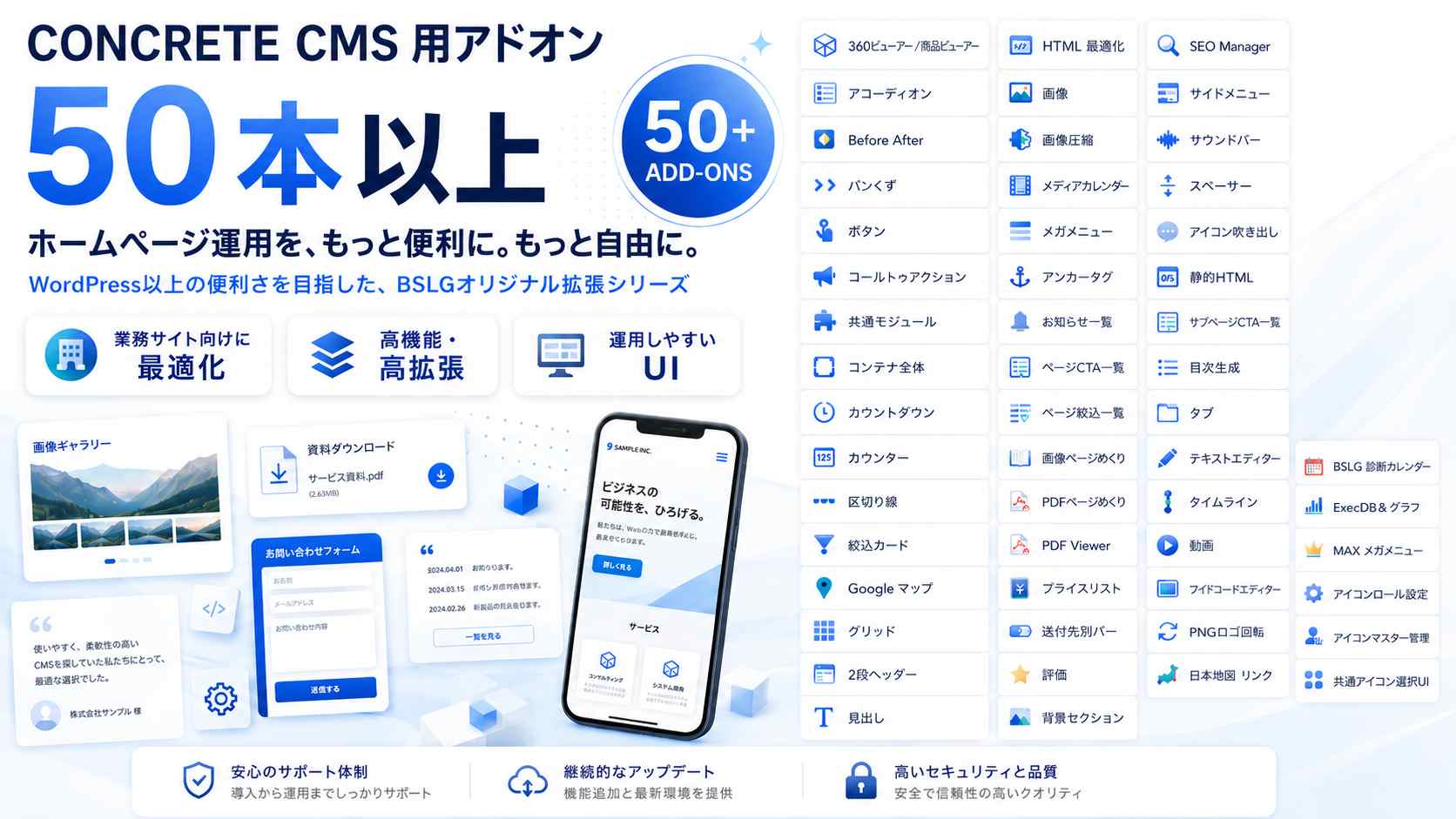
Concrete CMSアドオン一覧です、これらのアドオンは株式会社ビジネス・ロジック・ジャパン オリジナルのアドオンになります。
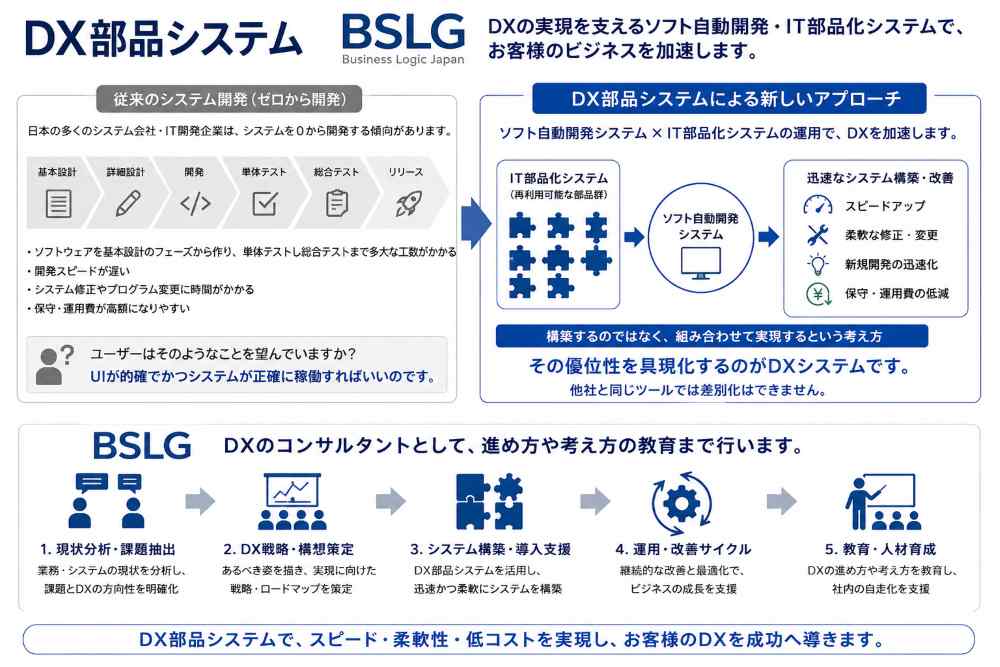
DXシステムのBSLGの自社構築ツールの紹介です、各モジュールは世界最先端のモジュール・高機能システムです。