Concrete CMS Add-on: 360-degree interior viewConcrete CMS Add-on PDF Viewer

Concrete CMS Add-on: 360-degree interior viewConcrete CMS Add-on PDF Viewer

Concrete CMS Add-ons: Development, implementation, sales, and support for Concrete CMS add-ons. (Interior 360-degree view)

Concrete CMS Add-on: 360-degree interior view

Concrete CMS Add-on: 360-degree interior view

Concrete CMS Add-on: 360-degree interior view

DXシステム開発の株式会社ビジネス・ロジック・ジャパン

Concrete CMS Add-on: 360-degree interior view

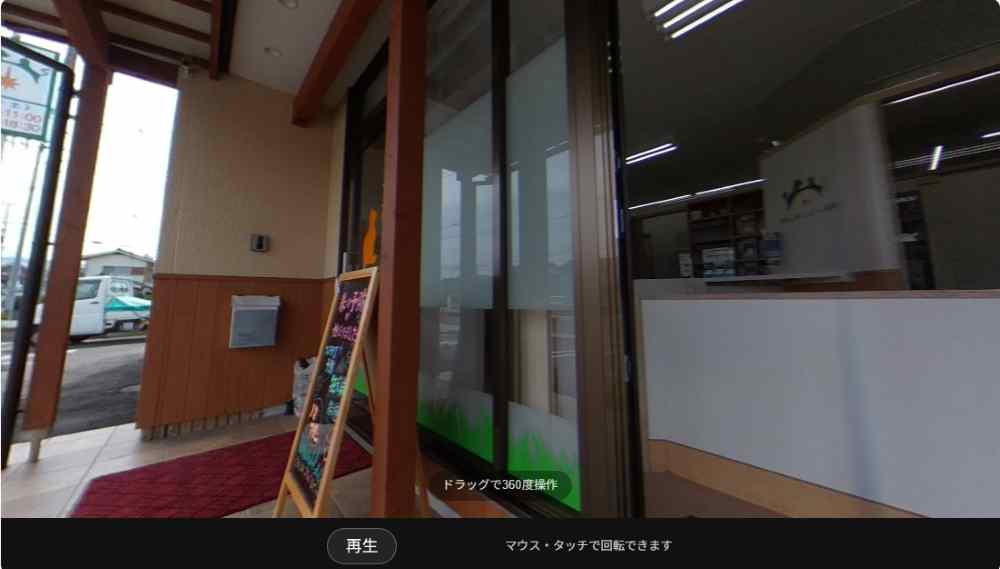
The 360 Viewer/Rotating Image Display Block is a Concrete CMS block that allows you to display panoramic images taken with a 360-degree camera, or multiple images taken from a fixed point, in a dynamic way on your website.

Images captured with a 360-degree camera allow users to freely look around spaces such as facilities, shops, halls, and showrooms by dragging them.
Furthermore, by sequentially switching between multiple images taken at a fixed point, it's possible to make an object appear to be rotating.

It allows us to convey, in a clearer and more tangible way, the sense of spaciousness, the atmosphere of the facility, the shape of the equipment, and different angles of exhibits—things that are difficult to convey with ordinary still images alone.

This can be used to present information that is difficult to convey through photos alone, such as facility introductions, store guides, hall introductions, showrooms, exhibitions, tourist facilities, equipment introductions, and construction examples, in an impressive way on your website.

For website construction, development, and migration using Concrete CMS 9.5 (formerly concrete5), please contact Business Logic Japan Co., Ltd.

Concrete CMS Add-on Inquiry

Concrete CMS Add-on: 360-degree interior view

The 360 Viewer/Rotating Image Display Block is a Concrete CMS block that allows you to display panoramic images taken with a 360-degree camera, or multiple images taken from a fixed point, in a dynamic way on your website.

Images captured with a 360-degree camera allow users to freely look around spaces such as facilities, shops, halls, and showrooms by dragging them.
Furthermore, by sequentially switching between multiple images taken at a fixed point, it's possible to make an object appear to be rotating.

It allows us to convey, in a clearer and more tangible way, the sense of spaciousness, the atmosphere of the facility, the shape of the equipment, and different angles of exhibits—things that are difficult to convey with ordinary still images alone.

This can be used to present information that is difficult to convey through photos alone, such as facility introductions, store guides, hall introductions, showrooms, exhibitions, tourist facilities, equipment introductions, and construction examples, in an impressive way on your website.


Main Features

  • 360-degree panoramic display of camera images
  • Rotated display of multiple images taken at a fixed point.
  • Intuitive browsing via drag-and-drop operation
  • Enhance the presentation of spaces, facilities, equipment, and exhibits.
  • Expressing atmosphere and shapes that are difficult to convey in regular photographs.
  • Images can be registered and displayed from the Concrete CMS administration screen.

Examples of use

  • 360-degree tour of stores and facilities
  • Showroom Information
  • Exhibition and Event Venue Guide
  • Funeral halls, ceremony venues, and halls introductions
  • Guide to tourist facilities and accommodations
  • Introduction to factories, equipment, and machinery
  • Rotating displays for exhibits, fixtures, and equipment.
  • Examples of completed projects and spatial designs

Concrete CMS Add-on: 360-degree interior view

The 360 Viewer/Rotating Image Display Block is a Concrete CMS block that allows you to view and rotate panoramic images taken with a 360-degree camera, or multiple images taken from a fixed point, on your website.
Facilities, shops, halls, exhibits, equipment, and construction examples can be presented more clearly and experientially than with regular photographs.

Drag to Rotate 360°
Rotate with mouse or touch

Concrete CMS Add-on List - BSLG's Original Add-ons

This is a list of Concrete CMS add-ons. These add-ons are original products of Business Logic Japan Co., Ltd.
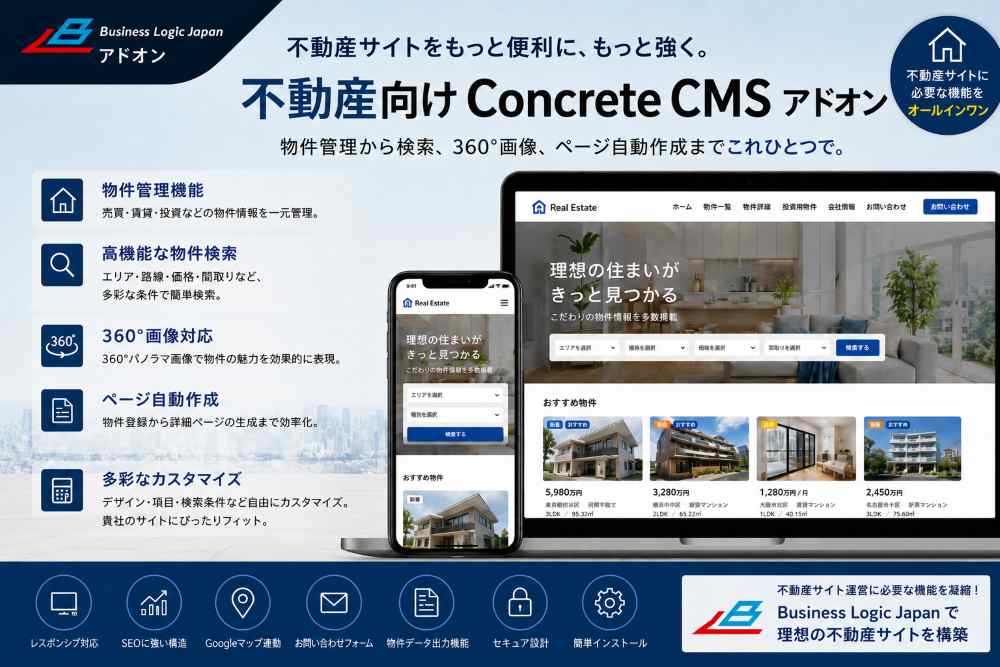
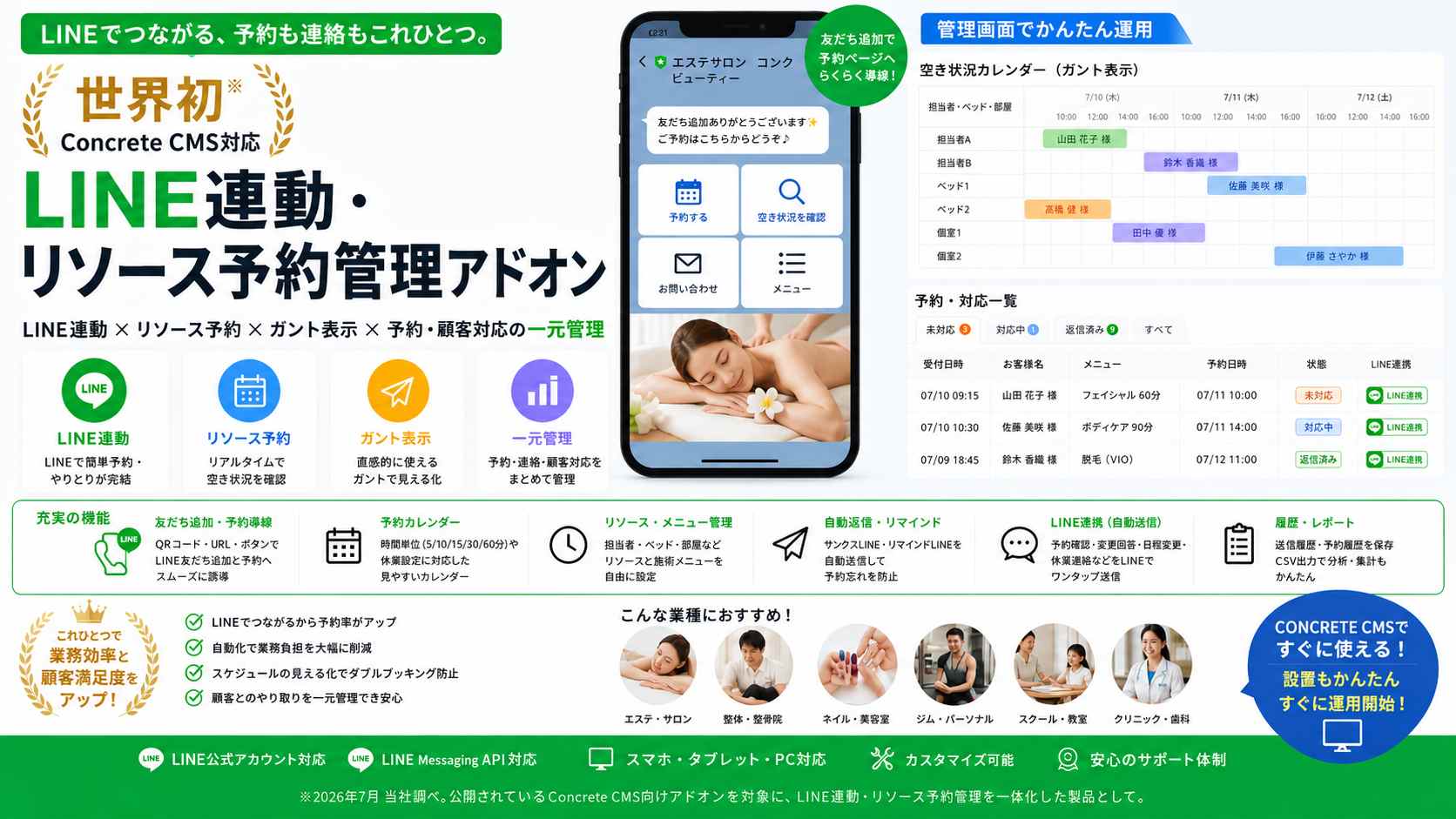
Concrete CMS Add-on Announcement List List ViewConcrete CMS Add-on: Announcement List. This Concrete CMS add-on displays announcements in…View add-on detailsConcrete CMS Add-on: Announcement List - Card DisplayConcrete CMS Add-on: Notice List Card Display. This Concrete CMS add-on displays notices i…View add-on detailsConcrete CMS Add-on 360 ViewerThe Concrete CMS Add-on 360 Viewer is a 360 viewer add-on for Concrete CMS, an original ad…View add-on detailsConcrete CMS Add-on: Image Page TurningThe Concrete CMS add-on, Image Page Turning, is an image page turning feature available th…View add-on detailsConcrete CMS Add-on: PDF Page TurningThe Concrete CMS add-on provides image page turning functionality. This is an original add…View add-on detailsConcrete CMS Add-on PDF ViewerThe Concrete CMS add-on PDF viewer is an image page-turning add-on from BSLG, and it also …View add-on detailsConcrete CMS Add-on: Japan Map LinkThe Concrete CMS add-on, Japan Map Link, is a Concrete CMS add-on that provides Japan Map …View add-on detailsConcrete CMS Add-on for Real Estate IndustryThis is a Concrete CMS add-on for real estate businesses, a Concrete CMS add-on specifical…View add-on detailsConcrete CMS Add-on: 360-degree interior viewConcrete CMS Add-on: 360-Degree Interior View. This Concrete CMS add-on allows you to view…View add-on detailsConcrete CMS Add-on Real Estate All-in-OneThe Concrete CMS Add-on, an all-in-one real estate add-on, is more than just a property di…View add-on detailsConcrete CMS LINE Integration & Resource Reservation Management Add-onThis LINE-integrated resource reservation management add-on allows you to centrally manage…View add-on details
BSLG Side Fixed Menu – Edit Preview